liquefy
media
is
liquid
Loaded
Home
About
Contact
Menu
All
Animation & Post-Production
Art Direction & Creative Concepts
Brand Identity
Event Branding
Graphic Design
Prototyping
UI & UX Design
Step in ///
be amazed
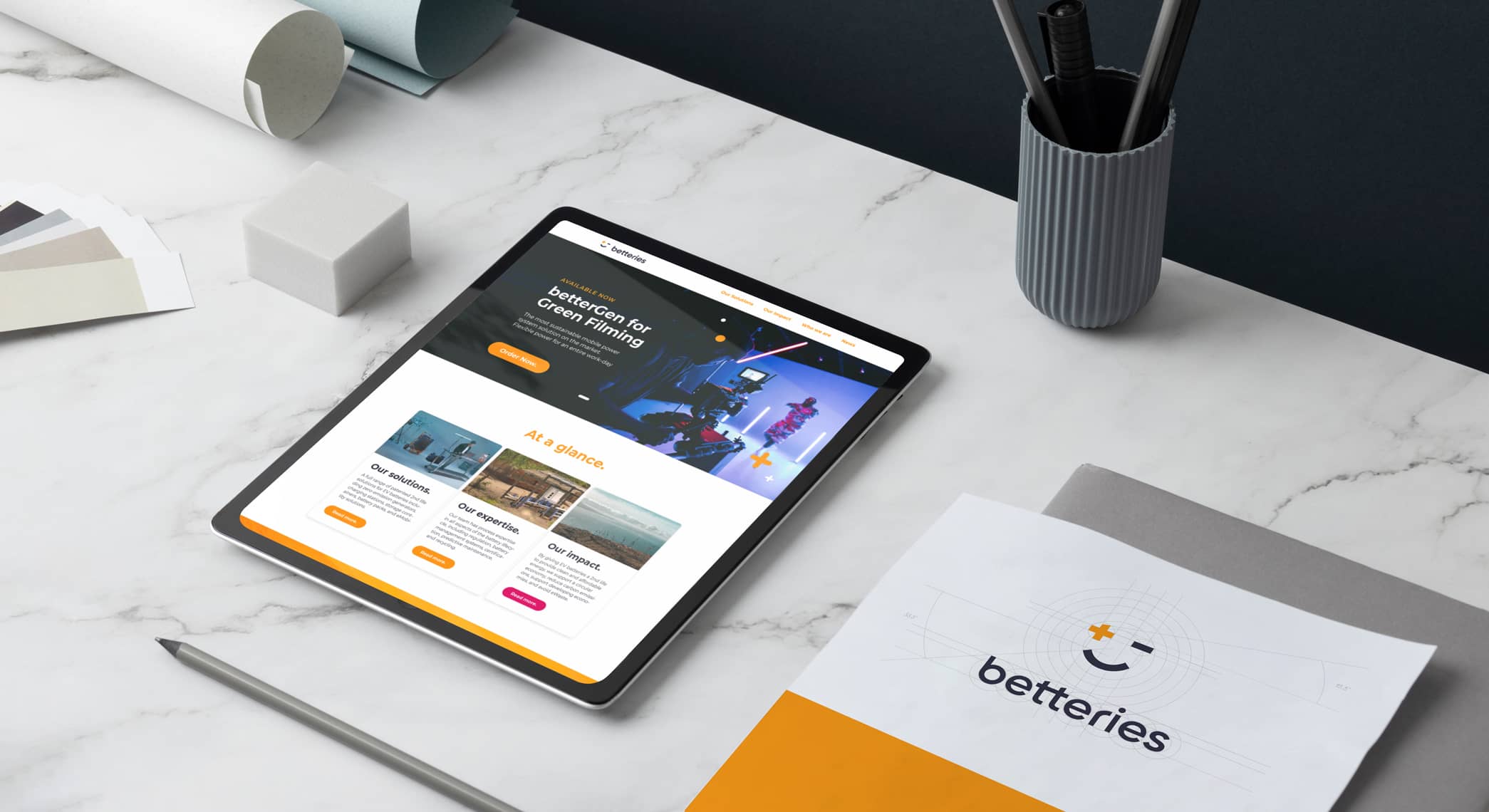
betteries
Rebrush
Art Direction & Creative Concepts, Brand Identity, Graphic Design
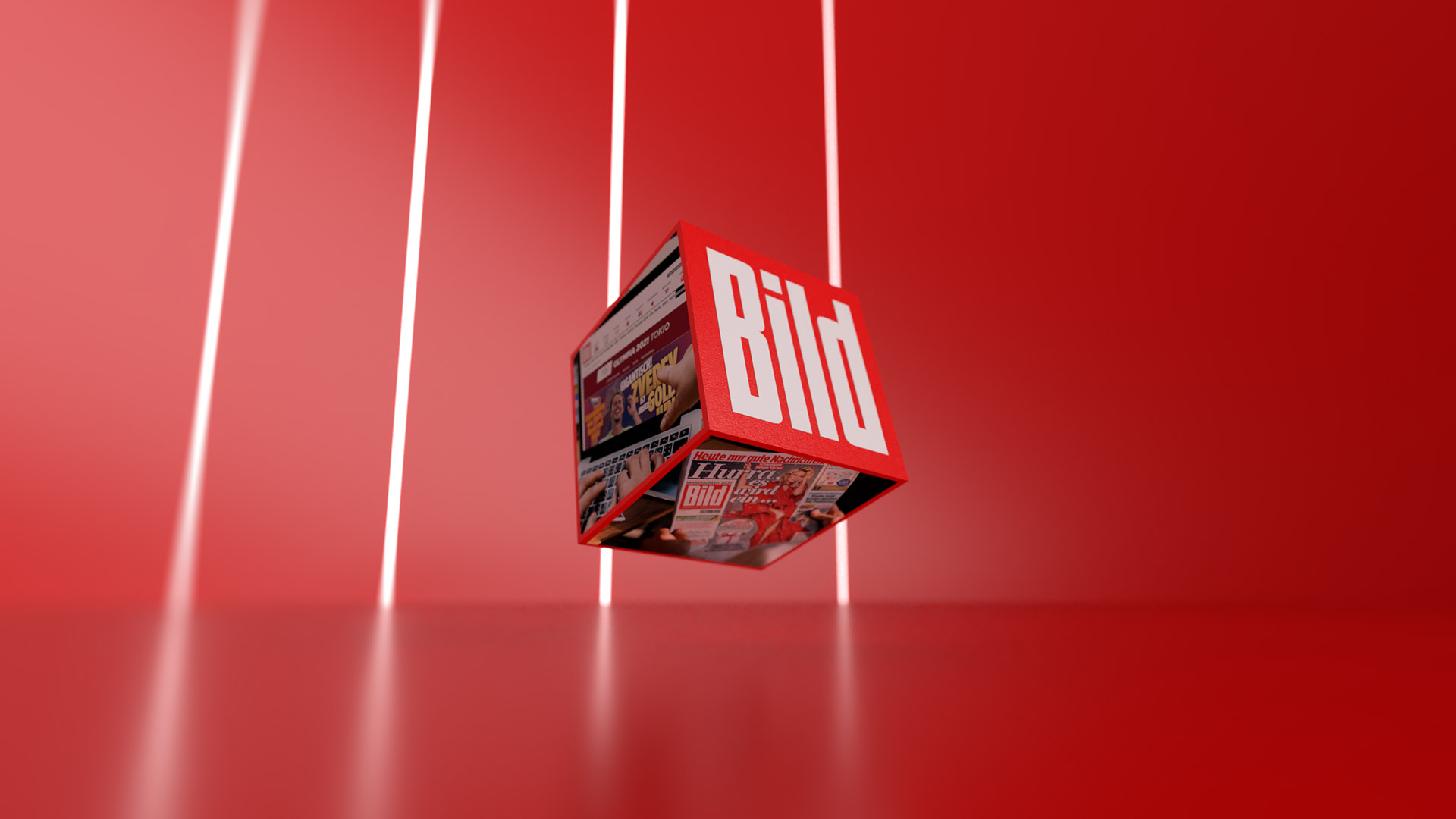
BILD
OMR 2022
Animation & Post-Production, Art Direction & Creative Concepts, Graphic Design
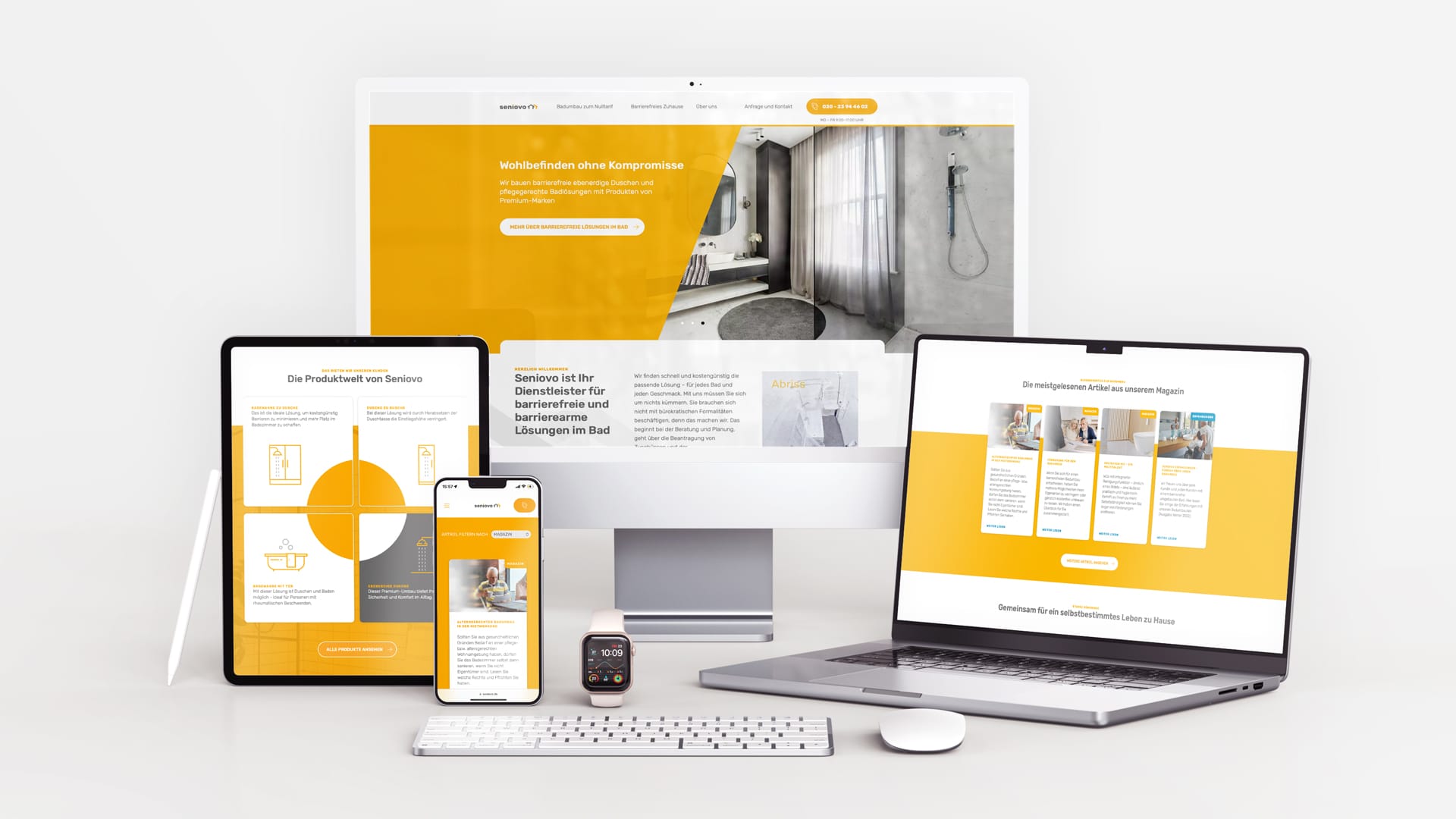
seniovo
Website
Graphic Design, UI & UX Design
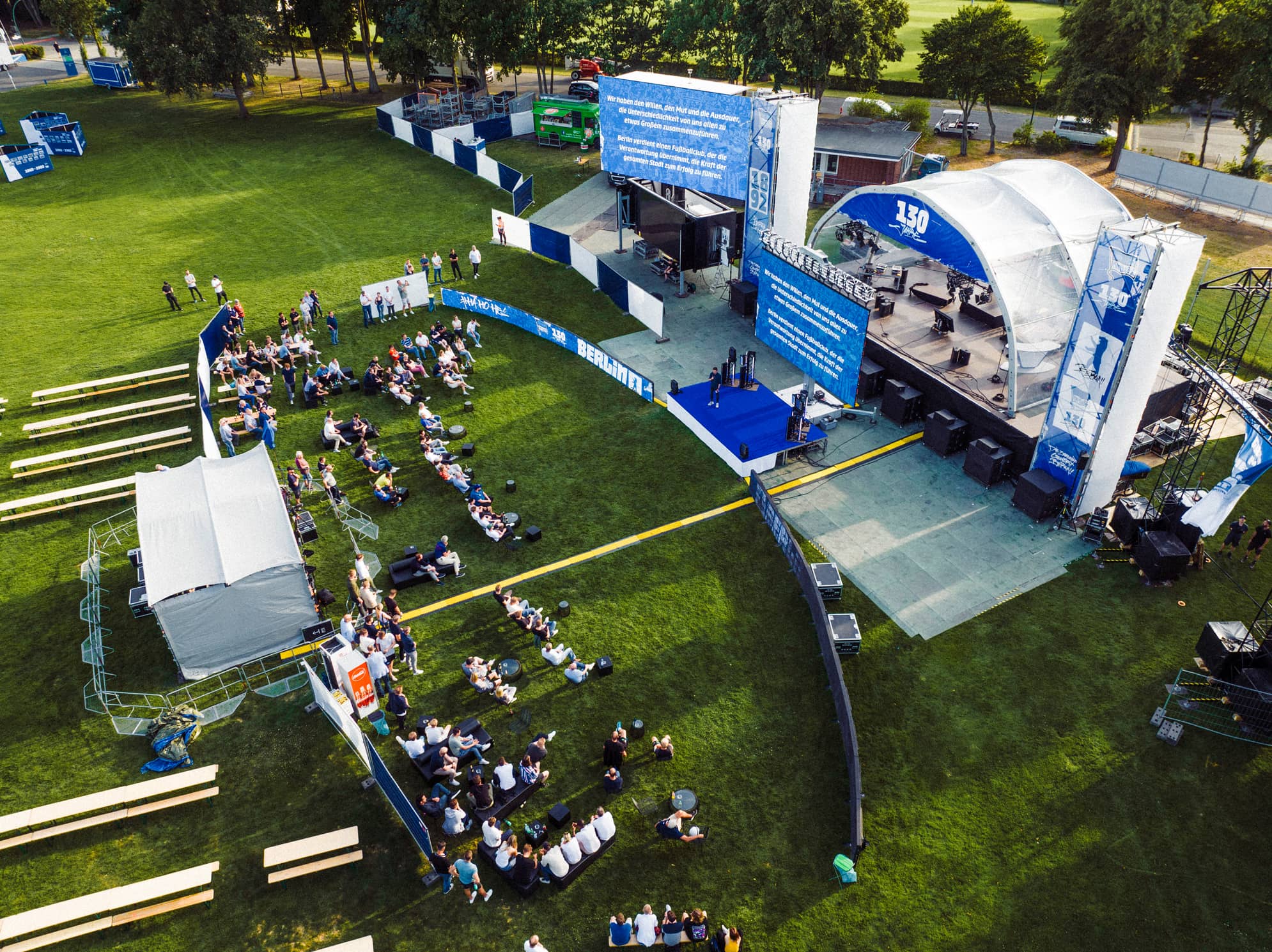
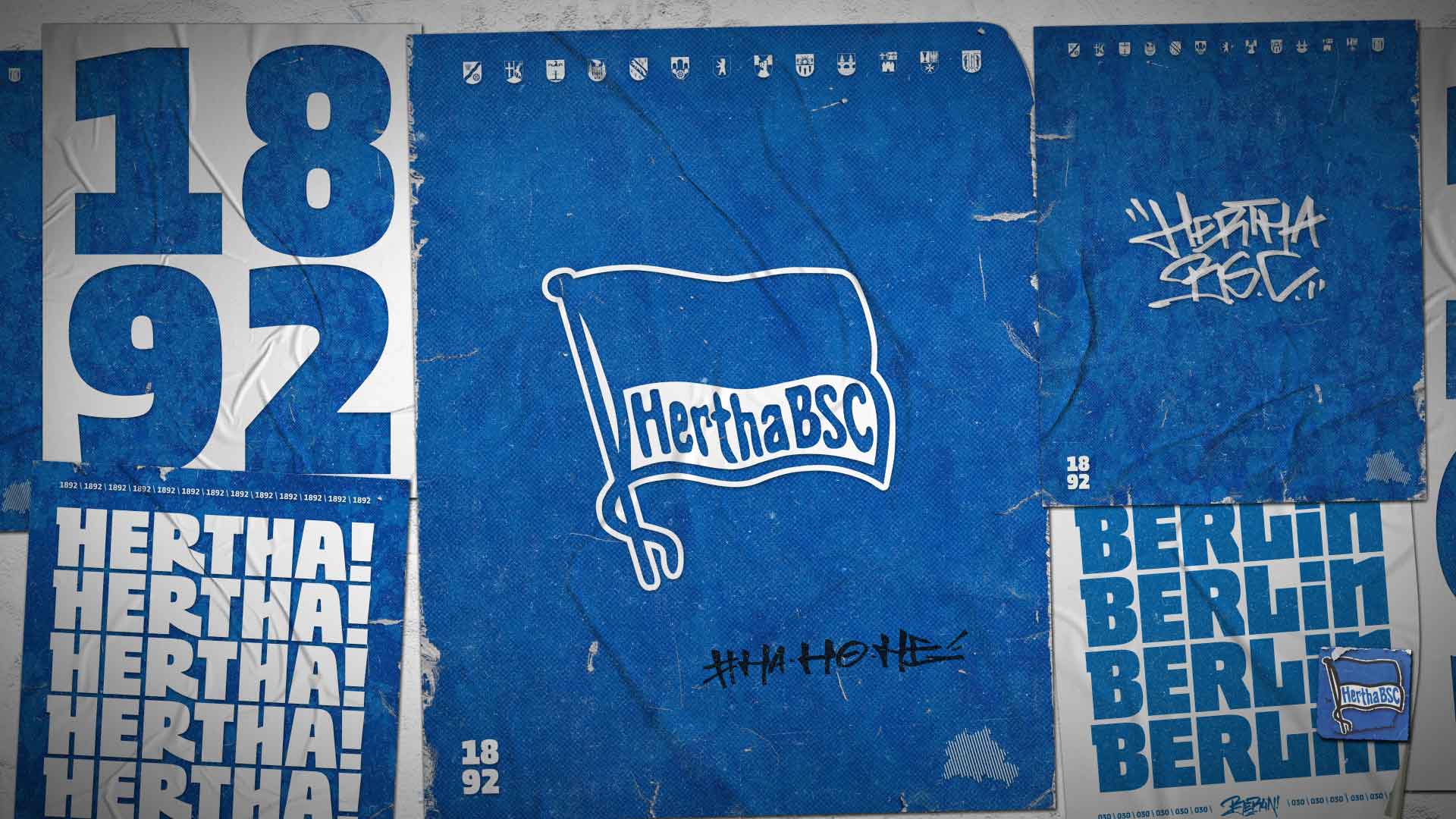
130 Years
Hertha BSC
Animation & Post-Production, Event Branding
Hertha BSC Stadion TV
Animation & Post-Production, Art Direction & Creative Concepts, Event Branding
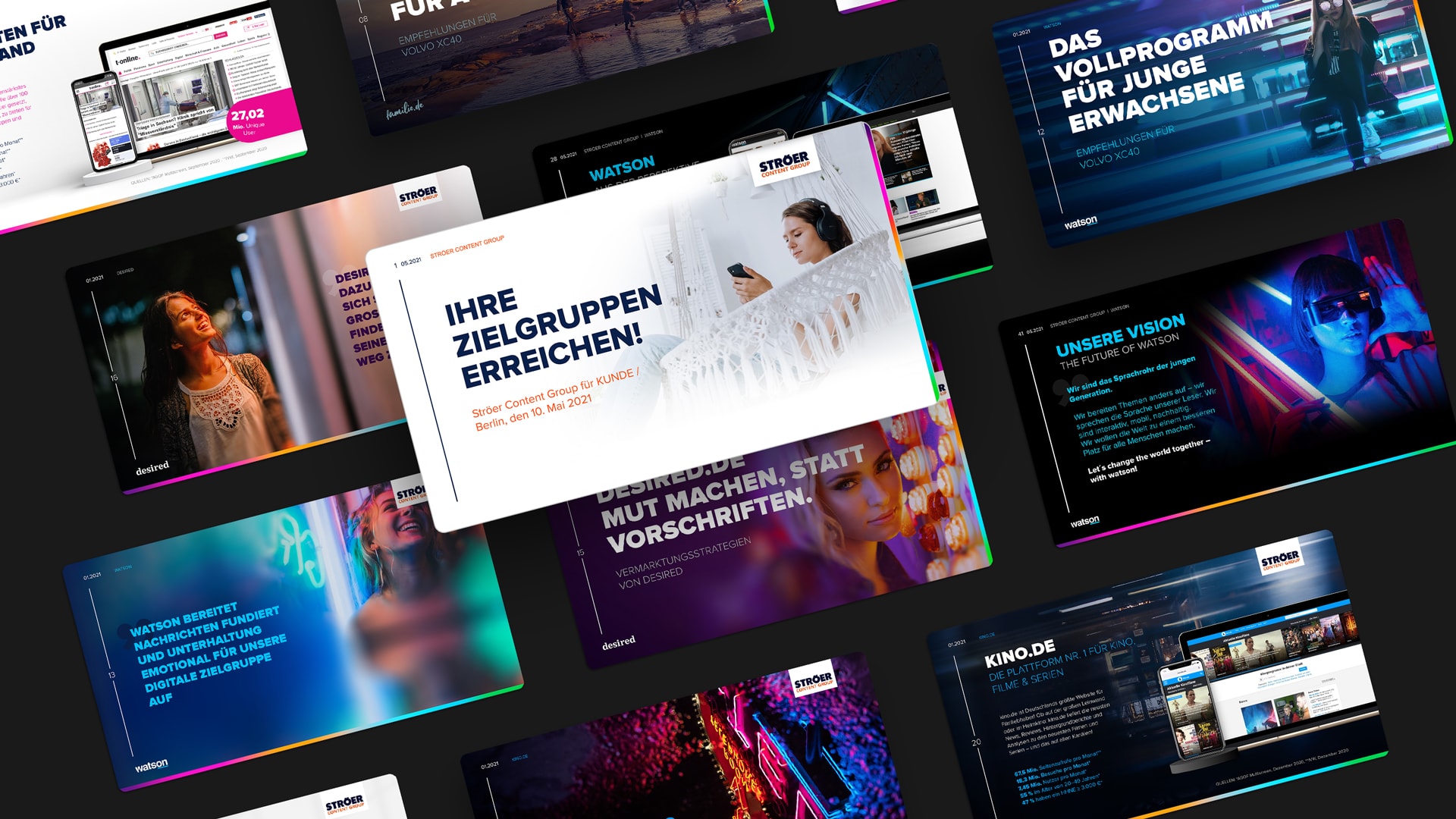
STRÖER CG
Master
Brand Identity, Graphic Design
Prototyping & AI Art
Prototyping
Axel Springer
Award 2023
Animation & Post-Production, Art Direction & Creative Concepts, Event Branding, Graphic Design
Digital Media
Creation
We would love to hear from you.